
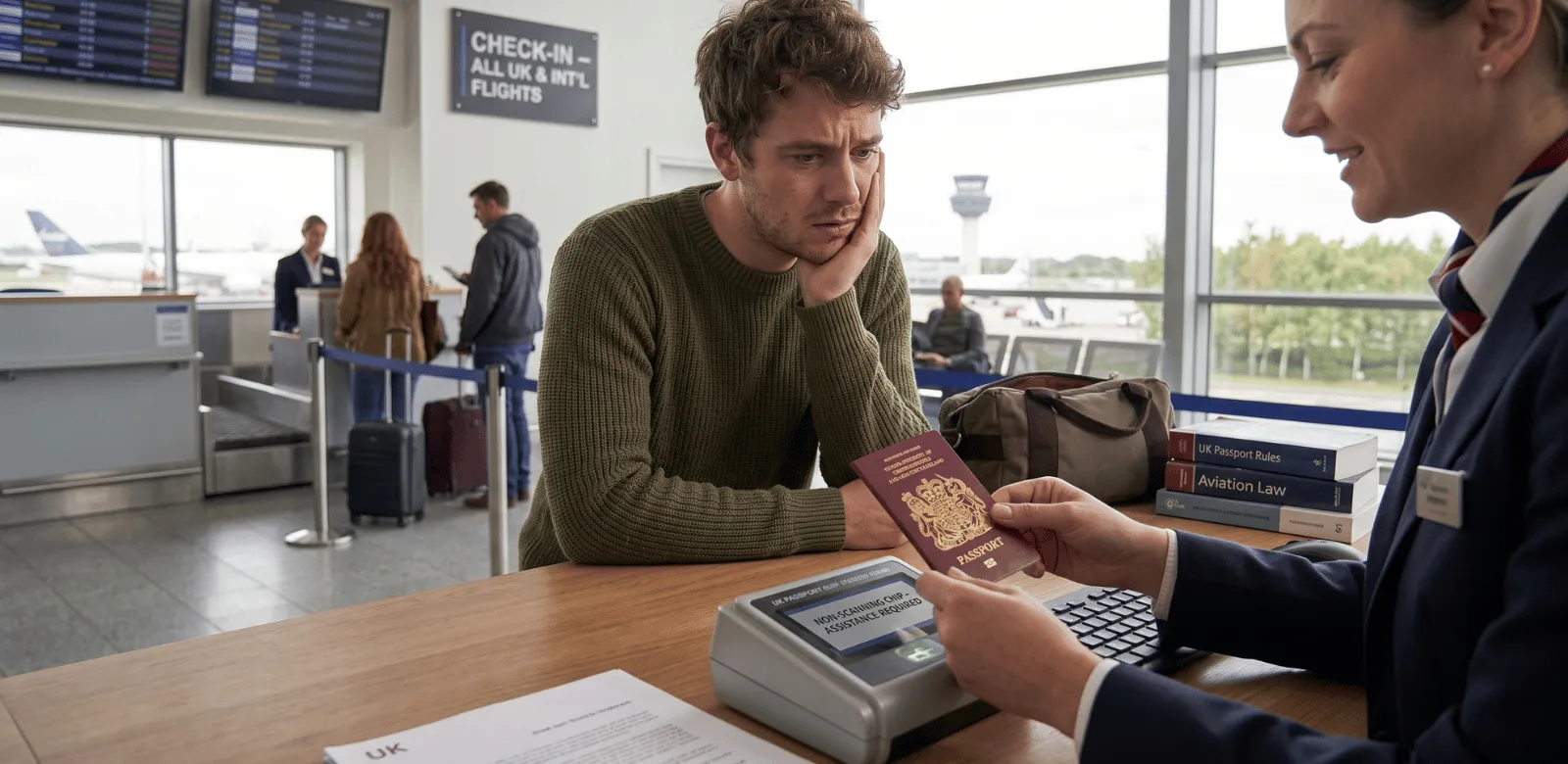
Arriving at the airport only to find that your British passport chip isn't scanning can be stressful. But don't worry—it's usually a technical issue that you can resolve by following the right steps.
Check the Chip and Passport
First, inspect the passport chip. It’s embedded in the back cover and can sometimes be damaged by moisture or bending. If your passport has visible damage, you might need a replacement. For a completely undamaged passport, follow the steps below.
Try a Different Scanner
Sometimes the problem isn't with your passport but with the scanner itself. Politely ask the airport staff if you can try a different e-gate or manual check-in desk. This simple step can often resolve the issue.
Seek Help from Airport Staff
If switching scanners doesn't help, consult airport staff. They are trained to handle these situations and can guide you through the process. They might perform a manual check to verify your identity.
Manual Identity Verification
If the scanner fails, the staff might check your identity manually. This process can take a bit longer, but it ensures you can continue your journey. Be patient and cooperative.
Consider a Replacement
If your passport chip continues not to scan, it may be time to replace it. You can start this process once back home. For lost or stolen passports, read more about what to do if your passport is stolen.
Confirm with Official Sources
For the most accurate and up-to-date guidance on what to do if your passport chip isn't working, it’s best to visit the GOV.UK passport section.
This website is not an official UK Government site. For the most up-to-date and official information, please visit the GOV.UK passport section.