
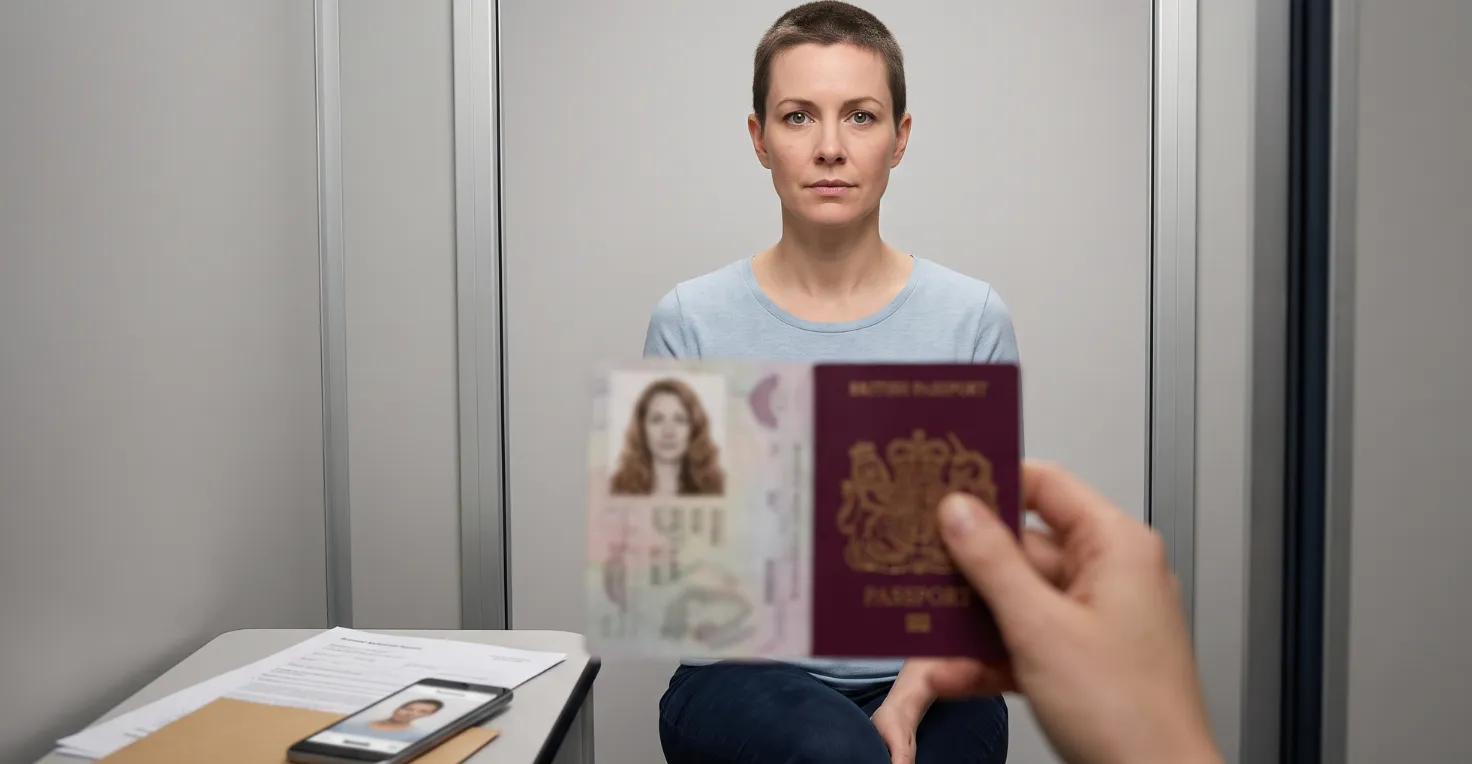
Understanding Passport Photo Changes in the UK
When you're glancing at your current passport photo and wonder if a change is possible, you're not the first to think about it. I've seen countless people in the same boat. Yes , you can update that daunting photo, but remember, it isn’t a simple swap. A new photo means a new passport, achieved through renewal or replacement. Diving into the official rules before applying can save you a heap of time and stress. In my experience with these applications, knowing when and how a change is appropriate—and avoiding common pitfalls—makes all the difference.
When You Might Need a New Passport Photo
Now, the HM Passport Office doesn't require updates for every little tweak in your appearance, but there are instances when significant changes are too noticeable to ignore. Think about it: Weight loss, major surgeries, or even gender transitions all count. I've seen travellers halted at border control because their old photo caused unnecessary confusion.
Common reasons to update include:
- Major changes in weight or appearance
- Facial surgeries or similar changes
- Changing gender presentation
- Passport nearing expiry with an outdated photo
- Adjustments for religious or cultural reasons
Remember, he cannot just replace his photo in an existing passport. A full renewal or replacement is necessary.
How to Change Your Passport Photo in the UK: A Step-by-Step Guide
- Decide if you want to apply online or by post. For online applications, you'll need a digital photo ready.
- Get a fresh passport photo that ticks all the official boxes. If online, ensure it's the right digital format and size.
- Fill in the passport renewal or replacement application with all your correct details.
- Send off your paperwork, including your passport and any needed documents.
- Wait for the HMPO to review and process it. If anything’s not right, like the photo, they’ll ask you to redo it, so I highly recommend getting it perfect before submission.
Common Pitfalls to Avoid When Updating Your Passport Photo
Passport photo woes are more frequent than many imagine. Trust me, even minor missteps can throw your plans into chaos if your application gets paused. Some common errors I've encountered include:
- Using incorrect background colours; remember, it should be plain cream or light grey.
- Shadows appearing on the face or in the background.
- Eyes not clearly visible or partially closed.
- Wearing tinted glasses or sunglasses.
- Head coverings allowed only for medical or religious reasons, with specific rules.
- Photos older than a month.
- Confused passport photos with those for other IDs, like driving licences.
If you apply online, the system may do a basic check, but don’t rely only on that; the human eye of the HMPO can catch what the system misses.
Required Documents and Fees
For a passport renewal or replacement, you’ll typically need:
- Your current passport
- A compliant photo
- A completed form if applying by post
- The applicable fee
Fees may change, so I strongly suggest you check the latest figures on the GOV.UK's passport renewal page. For online submissions, ensure your digital photo fits all technical requirements. Full guidance is available on the official passport photo guidance page.
How Private Assistance Can Simplify Your Passport Photo Update
Though applying for a renewal seems straightforward, believe me, errors, particularly with photos, are why many face delays. A private assistance service can review your paperwork, spot any potential hiccups, and ensure you’re fully prepared. If you value peace of mind or face tight deadlines, consider this invaluable support.
However, remember, private assistance doesn't replace official procedures and can't guarantee approval but can help you submit a solid application. Explore more at UK Passport Assistance.
This website is not an official UK Government site. For the most up-to-date and official information, please visit the GOV.UK passport section.